How to check if a Lead is deleted?

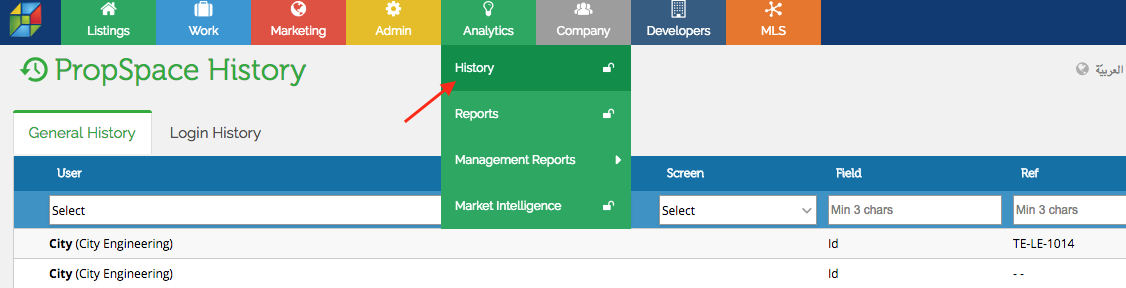
Step 1 – Click Analytics and choose History screen.
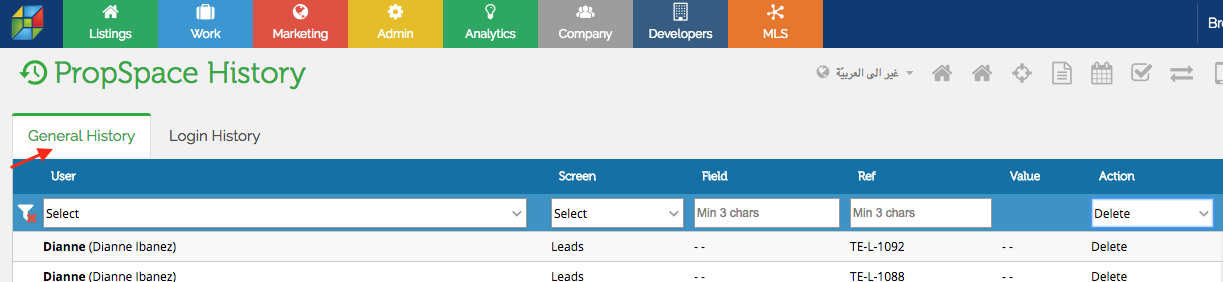
Step 2 – Click General History.
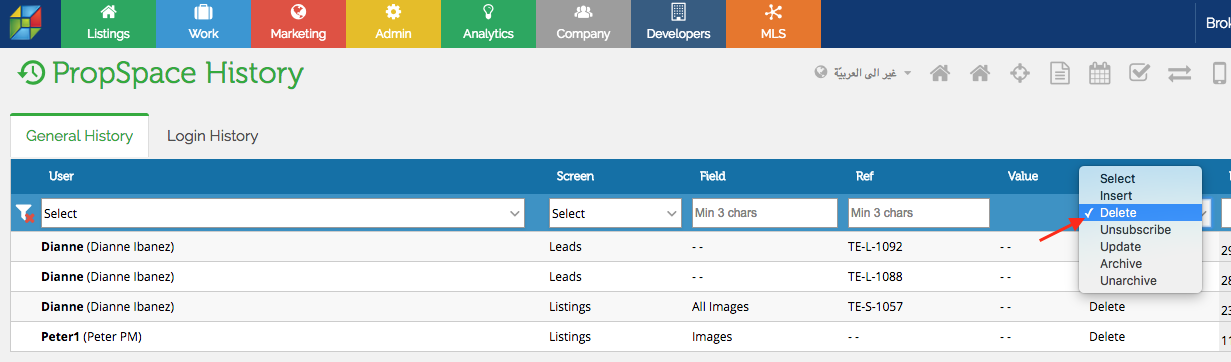
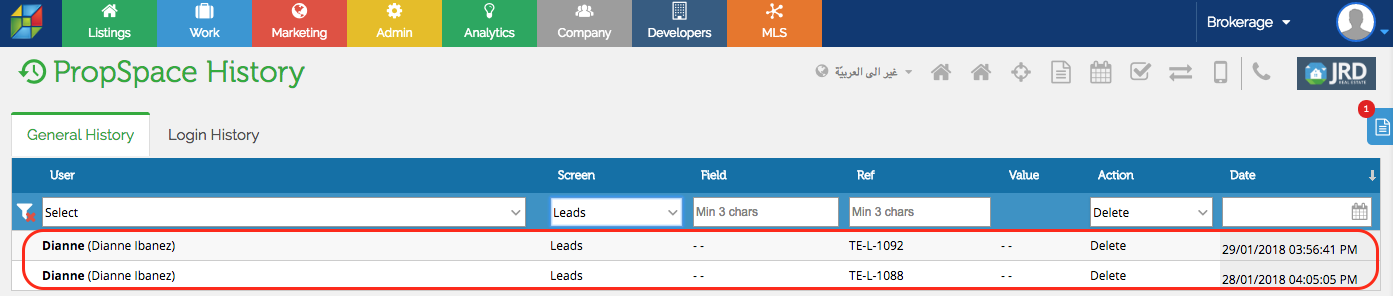
Step 3 – Select Leads from the screens options. Then select Delete from the Action options.
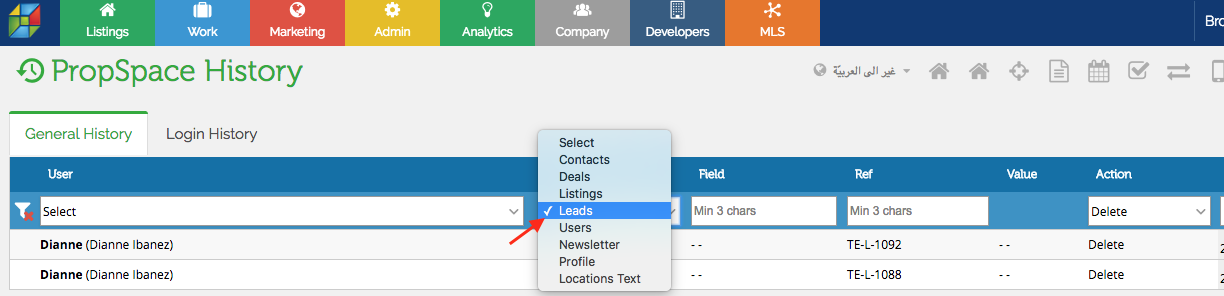
The system will automatically filter all the deleted leads with the user name and date that the lead was deleted.
Recently viewed articles
No Recently viewed Articles Found.
Related articles
No Related Articles Found.