How can I find all the payments that are due?

Accounting can be really challenging for the Property Management company when the payments do not come on time. It makes harder for you to pay for your vendor and yourself. Basically late payments can create a vicious cycle.
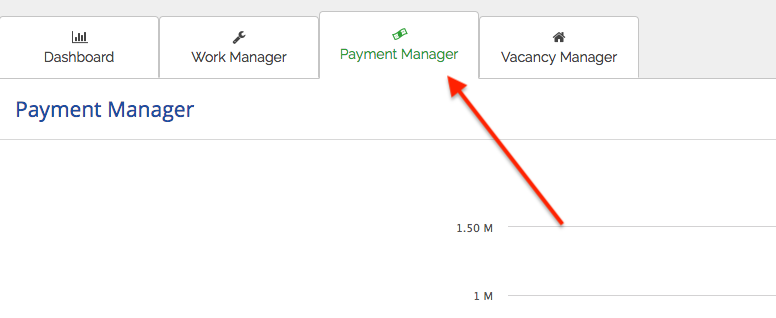
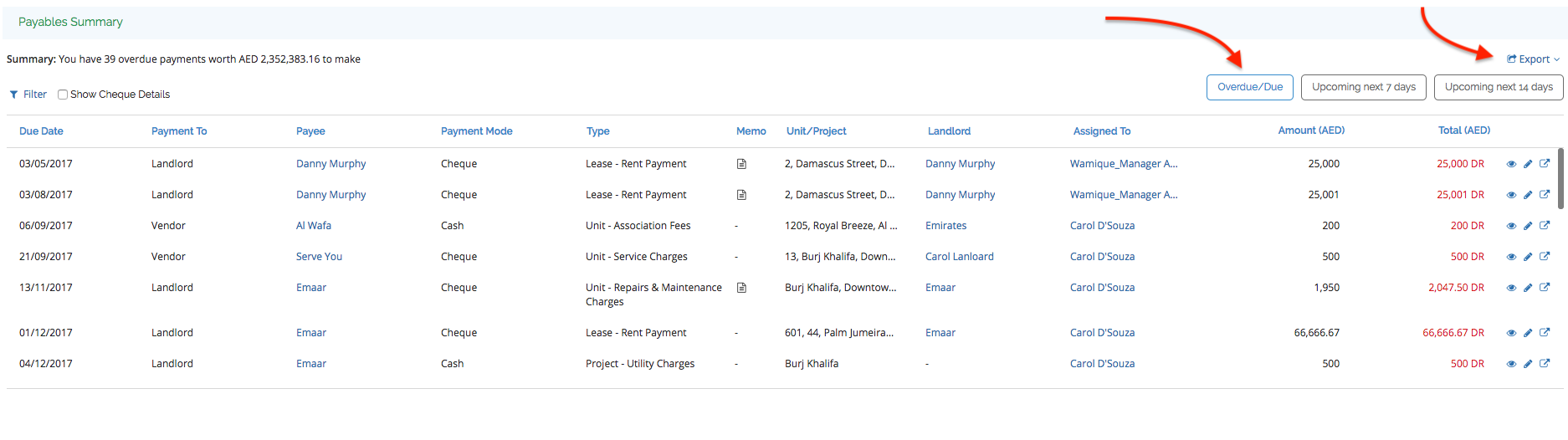
To track all the late payments, you can go to “Payment Manager” tab which is on the Dashboard, from Payable Summary, all the Overdue and Due payments will show up. Further through “Export” option the data can be exported into an excel sheet.
Recently viewed articles
Related articles
No Related Articles Found.