
Please note that delete data access has to be enabled for a user to delete other users.
Please navigate to admin > users screen and set the value for delete data as yes under user access settings and save user.
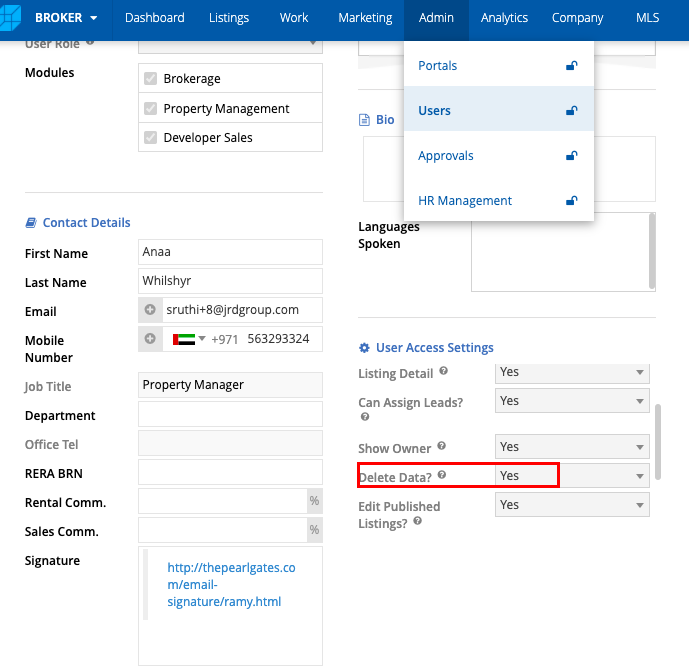
Once the delete data is enabled, logout and login and follow the below steps to delete a user.
1. Navigate to Admin > Users screen.
2. Select the relevant user in the data table.
3. Click on the Delete button.

4. A pop-up window will request you to select another user. Records belonging to the user-to-be-deleted will be reassigned to the other user.
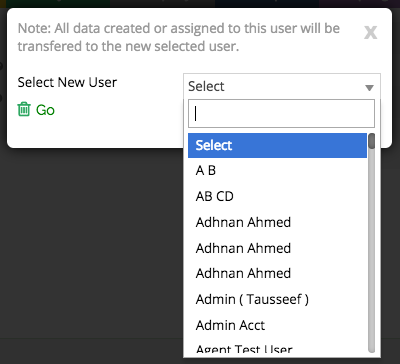
5. Click on Delete to confirm the deletion of the user, and reassigning their records to the new user.