
In PropSpace, you can decide to provide or deny access to agents from adding notes to records that do not belong to them. You can do this by the following steps:
1. Go to the Admin > Profile screen,
2. Select Notes tab, and decide on the permissions to add notes on Leads, Contacts or Listings.
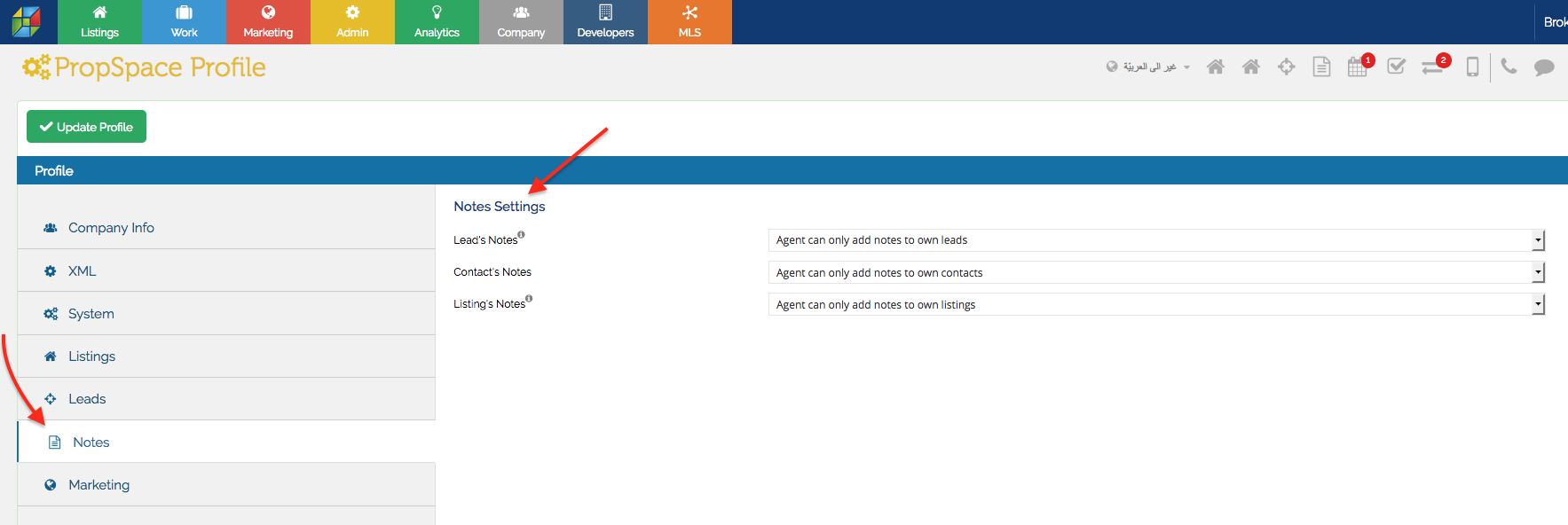
3. Click on Update Profile when done.