Claim My Transaction

Who can use this feature?

What is Claim My Transaction?
Claim My Transaction is a new feature for agents and admins to claim their success when a property is under negotiation to be sold or rented. This can be done by using the “Claim Transaction” option available on the Property Finder website and GP Expert.
What is covered?
- Benefits of Claim My Transaction
- Eligible Listings
- How to claim a transaction for an online listing
- How to claim a transaction for an offline listing
- Documents Required
- Frequently Asked Questions
Benefits of Claim My Transaction
A special tag on the Property Listing Page, and adds a link to your agent profile to view other listings available in your inventory.
This helps you get noticed for your excellent service and attracts potential sellers looking for agents to move properties, and potential property seekers looking for something similar.
Listings for the same property from other agents are marked as ‘under-offer’ without a link to the agent profile.
Special Under Offer Tag
Claiming a transaction will feature an exclusive under-offer tag on your listing – informing property seekers of its unavailability and ranking your other available listings higher on search results
Banner on Property Listing Page
Dedicated banner on your Property Listing Page and gives you full credit and redirects users to your agent profile.
Links to Agent Profile
Your complete transaction history is attached to your agent profile attracting potential leads to view other available listings in your inventory
Boost SuperAgent Performance
Get a higher SuperAgent performance rating – driving improved visibility and exposure across all of your listings.
Learn more about SuperAgent
Eligible Listings
Claiming a transaction will feature an exclusive under-offer tag on your listing – informing property seekers of its unavailability and ranking your other available listings higher on search results
How to claim a transaction for an online listing
There are multiple ways you can claim a transaction and request to mark your listing as Under Offer
From GP Expert
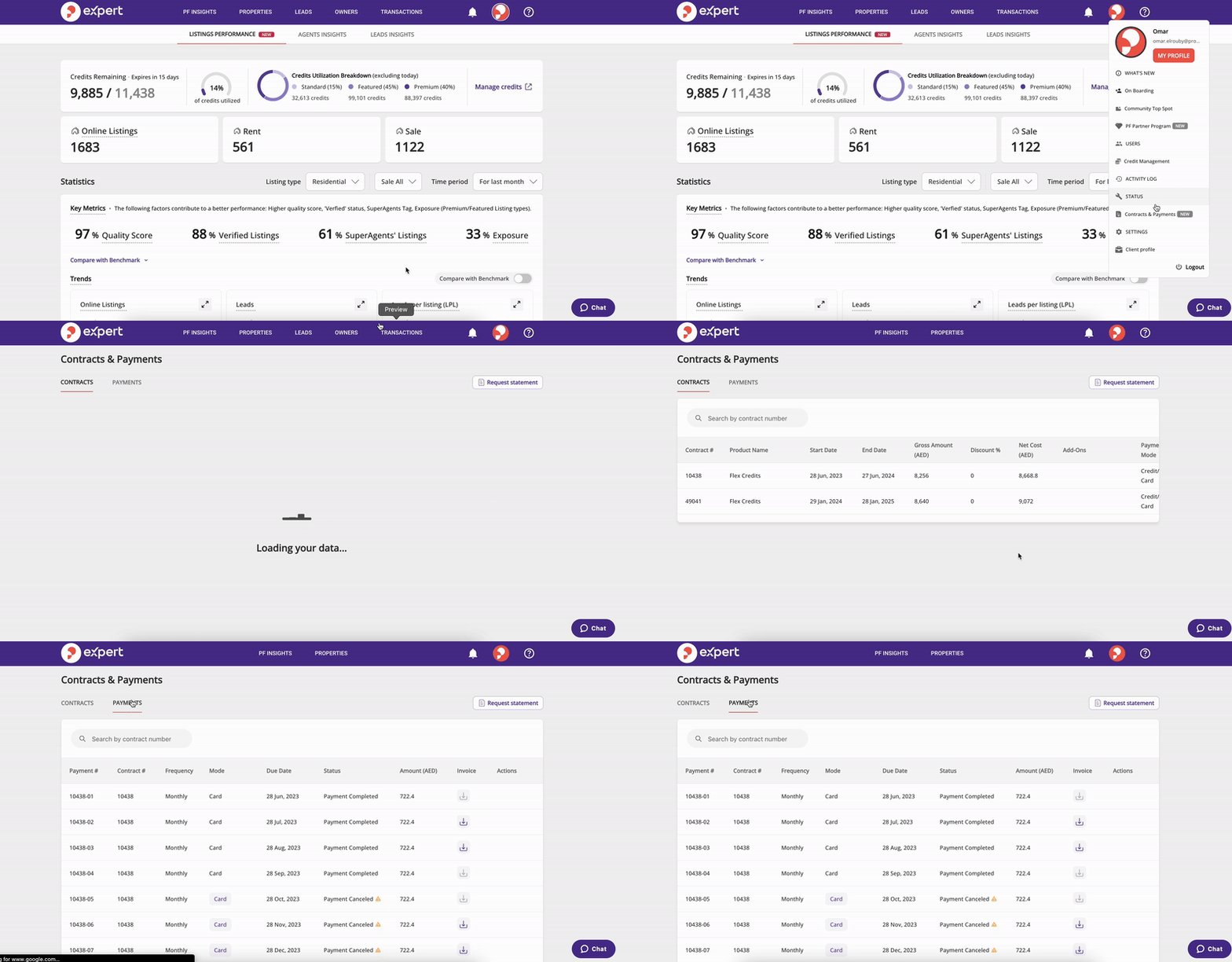
Select the listing you wish to claim and choose “Claim Transaction” from the action menu.
From Property Finder Portal (helpcenter-getprop.appgrowthcompany.com)
View the listing you wish to claim, click on the “Report This Listing” option and choose “Claim Transaction” from the “Select a Reason” drop down.
Once your claim is validated by the customer support team – the listing is updated with an “Under Offer” tag, a special tag on the Property Listing Page giving your credit, and a link to your agent profile to view other listings available in your inventory.
If the property is listed by other agents, it will be flagged in Listings Action Tracker to be unpublished
How to claim a transaction for an offline listing
 |
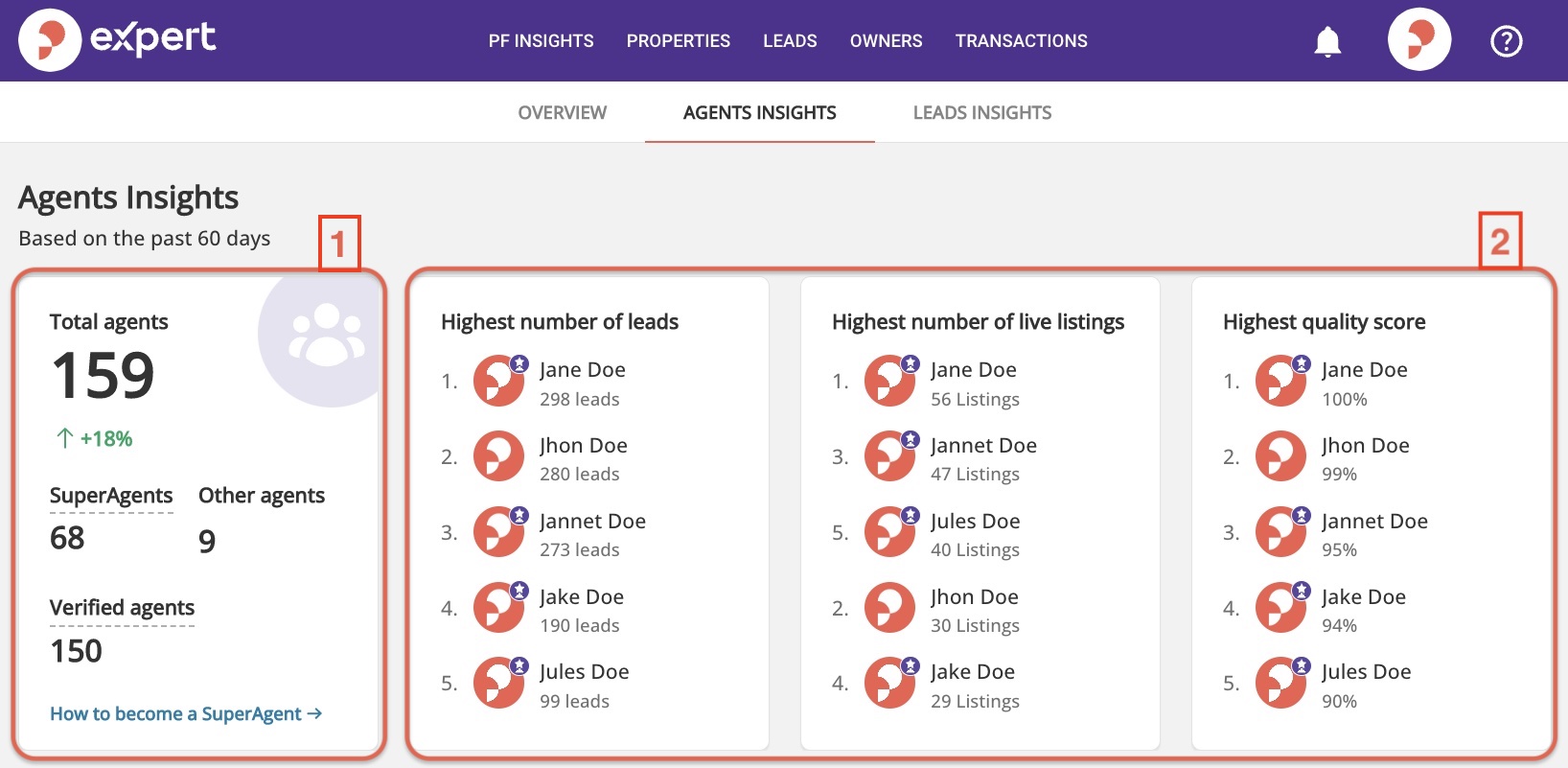
Go to GP Expert > Agent Insights> Transactions Card> Claim Transactions to review recently unpublished listings and make a claim. |
 |
Navigate to the Offline listings tab, Select a listing, and click on ‘Claim Transaction’ at the bottom of the page. |
 |
Fill in the required claim details and Submit the claim request. You’ll be notified about the status of your claim shortly after. |
Note: As an Agent, you can only see your listings while as an Admin you can see the listings for all agents.
Tip: Claiming Transactions will be applicable for offline listings for last 90 Days, excluding non-compliant listings
Non-compliant listings are:
 Any reported listing by a consumer that we validated and unpublished from our side.
- Flagged listings in Listing Action Tracker that were not solved by the client and then we unpublished them from our side.
Documents Required
These can be any one of the following for each:
Dubai Rentals:
- Proof of Transaction: Ejari, Tenancy Agreement
- Proof of Ownership: Title Deed, Oqood, Utility Bill
Dubai Sales (secondary ready and off-plan)
- Proof of Transaction: MOU, Form F
- Proof of Ownership: Title Deed, Oqood, Utility Bill, SPA (Sales Purchase agreement for off-plan only)
Dubai Sales (primary)
- Proof of Transaction: SPA (Sales Purchase agreement)
- Proof of Ownership: NOC Between developer and brokerage
Abu Dhabi & Northern Emirates Rentals:
- Proof of Transaction: Tenancy Agreement
- Proof of Ownership: Title Deed, Utility Bill, SPA (Sales Purchase Agreement)
Abu Dhabi & Northern Emirates Sales (secondary and off-plan):
- Proof of Transaction: MOU
- Proof of Ownership: Title Deed, Utility Bill, SPA (Sales Purchase Agreement)
Abu Dhabi & Northern Emirates Sales (primary)
- Proof of Transaction: SPA (Sales Purchase agreement)
- Proof of Ownership: NOC Between developer and brokerage
Property Management Rentals (all Emirates)
- Proof of Transaction: Tenancy Agreement
- Proof of Ownership: NOC between owner and Property Management company
Frequently Asked Questions
For more questions and answers, please visit this article.
No. Claiming a transaction only marks a property as Under Offer to inform users that the property may be temporarily/permanently unavailable.
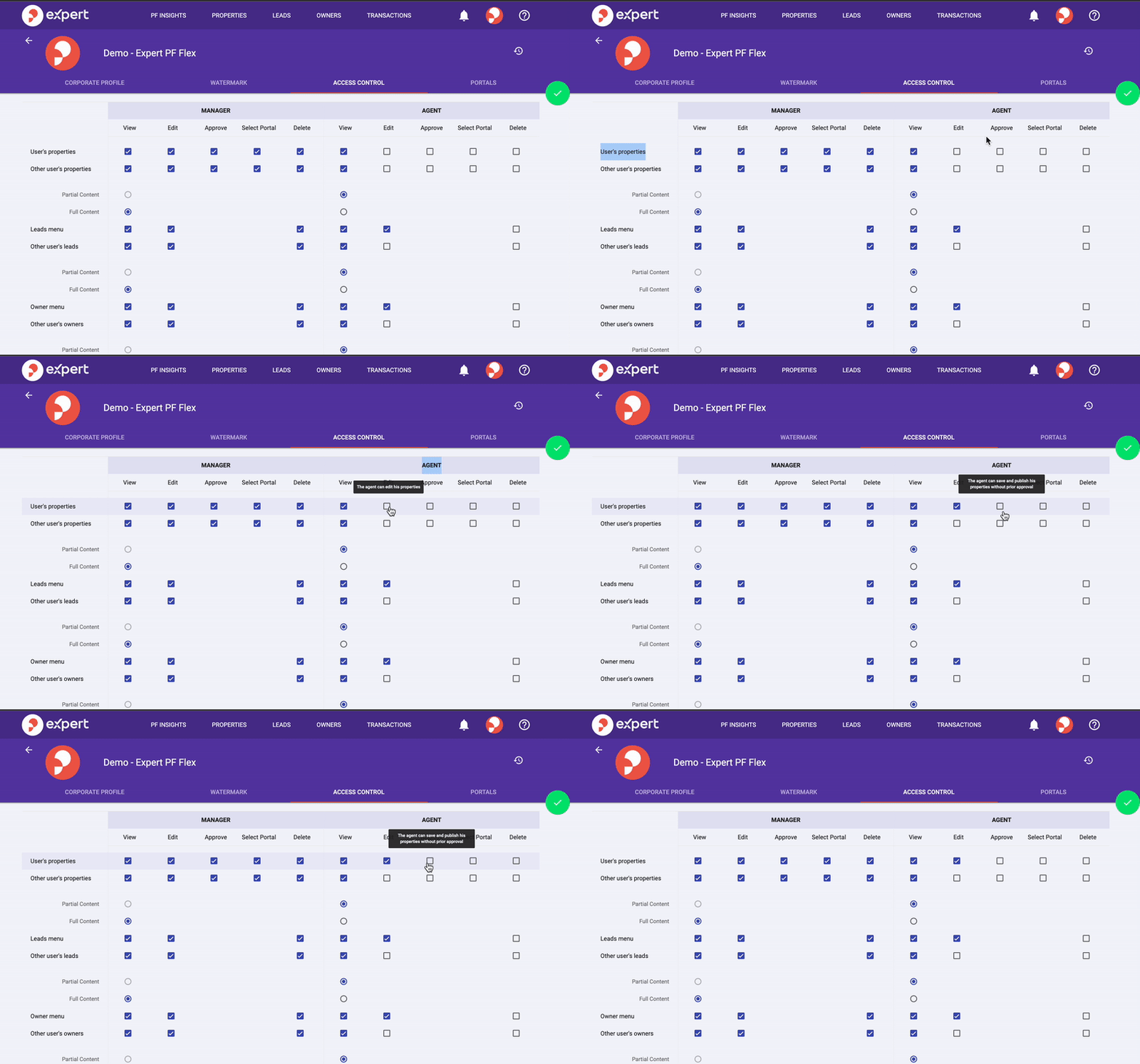
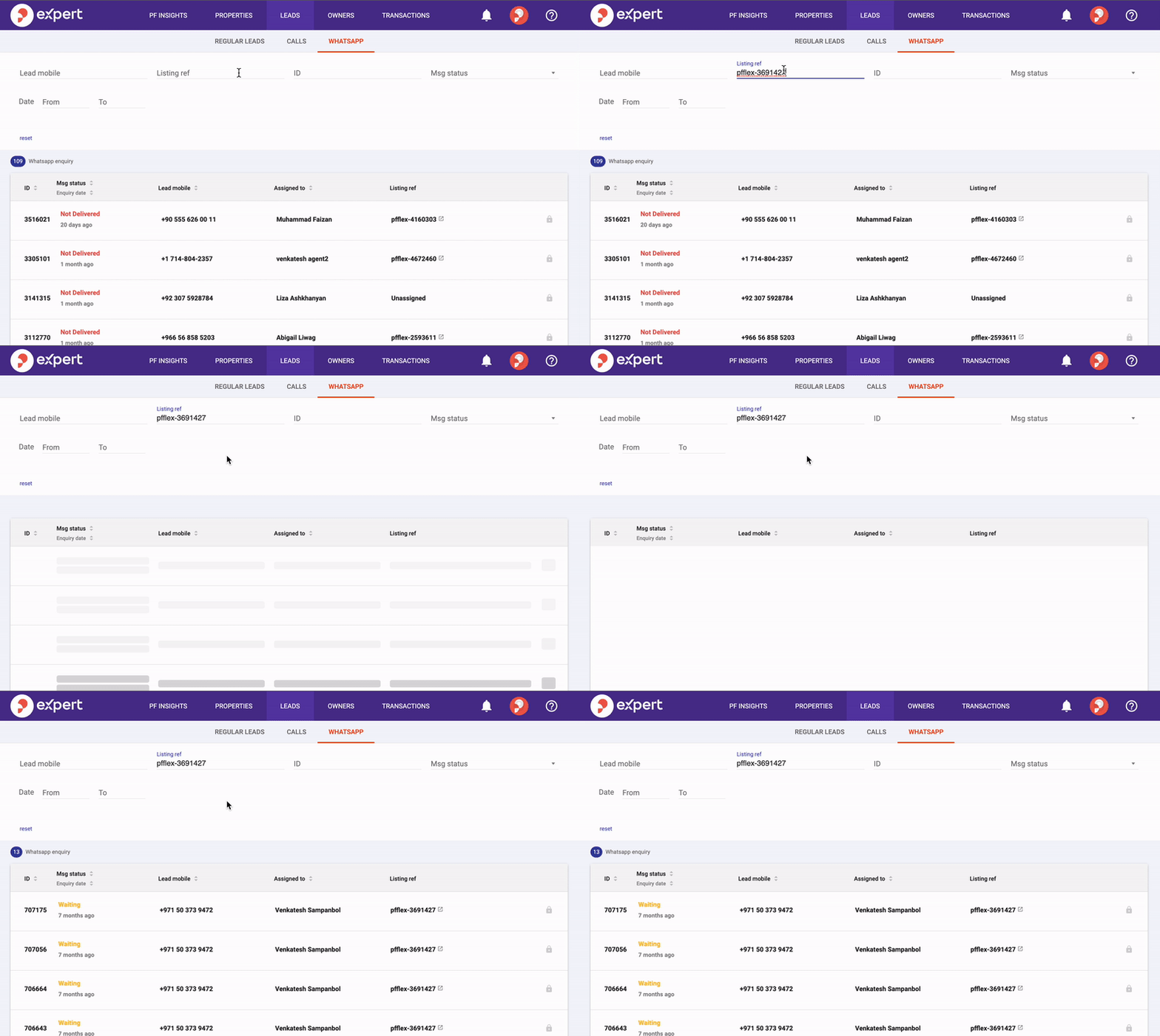
However, Admins can opt-in for unpublishing the listing while claiming the transaction from GP-Expert as in the below screenshot
This gives you credit and helps you get noticed for your excellent service as well as improve your agent performance score on Property Finder.
It takes us up to 2 business days to validate and confirm your transaction has been approved.
The “under offer” tag and claimed transaction count in Agent Insights will surface across all portals one business day after the transaction has been approved.
If a claimer highlights to Property Finder which listings are advertising the same property, Property Finder will mark the other listings as Under Offer as well.
However, those agents will not receive the benefits of increased SuperAgent performance and more visibility across their listings, or a tag with a redirect link to their agent profile.
The most common reasons for transaction rejections are as follows:
– Missing documents. Please ensure all required documents are submitted to ensure a seamless claim process. Required documents can be found in this article in the “Documents Required” section
– Old transactions. Please note we are only able to approve transactions that have taken place in the last 90 days (ie. time between submission of claim and transaction date on the document provided can be no more than 90 days)
– Missing passcode for Form F. If you are submitting a Dubai sales listing, please ensure you include the document passcode in the comments section of the submission
You can view this on your SuperAgent Insights page in GP Expert (coming soon).
If the MOU for any of your claimed listings becomes void – please reach out to the Customer Support team to update its status and request the removal of the Under Offer tag.
Please note a change in status in a previously claimed listing would result in any drawn benefits being reversed.
Consumers can still choose to contact an agent for a listing that is tagged ‘under offer’.
The tag Under Offer is only to inform consumers that a listed property may potentially be unavailable.
The listing will stay online with the tag until you decide to take it offline or contact customer support to let us know that the offer fell through.
Unfortunately, only the listing agent gets the credit for claiming a transaction.
Currently, this is not supported.
In the future, we will consider migrating all the performance metrics of the agent to a new profile.
Should be within 90 days of the unpublish date but we do prefer transactions to be submitted as soon as possible so that it’s in sync with the agent’s portfolio of listings that he had online.
Recently viewed articles
Related articles
No Related Articles Found.