How can I update my company’s contact details?

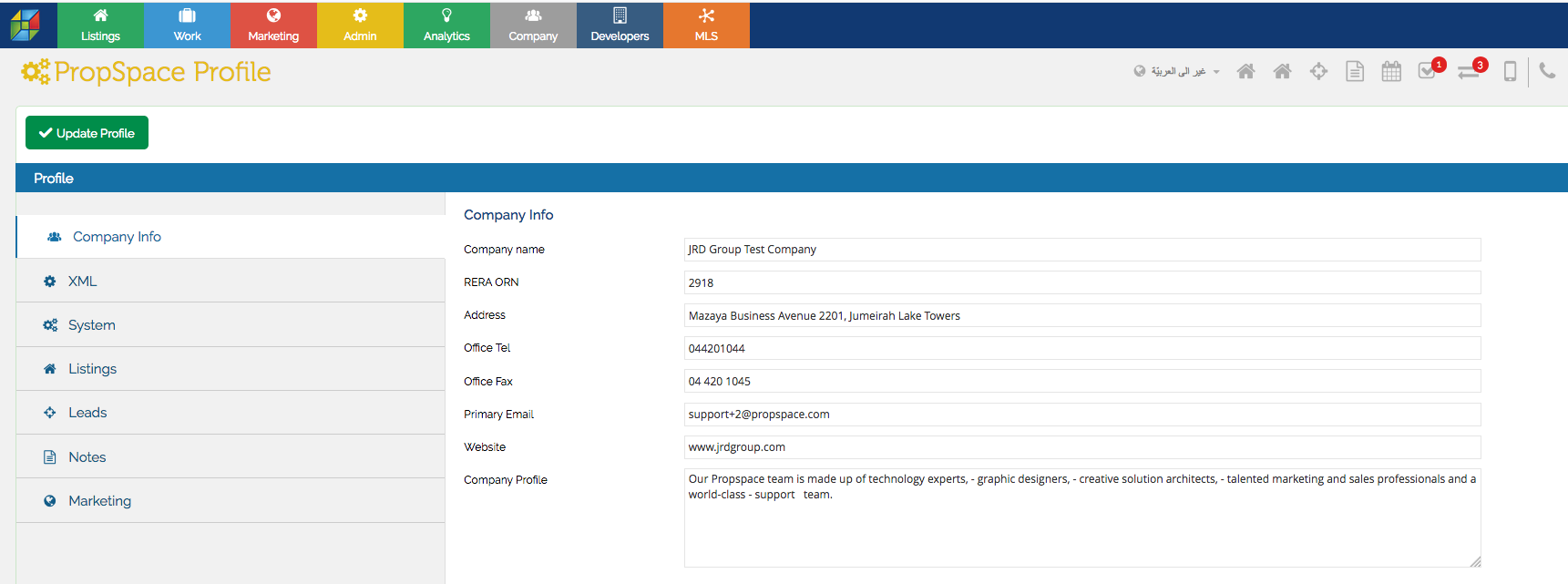
If you need to update your Company’s contact details, go to the Admin > Profile screen. Switch to the Company Info tab, and update the contact details as required. Once the company information is updated, click on the Update Profile button to save the changes.
Recently viewed articles
No Recently viewed Articles Found.
Related articles
No Related Articles Found.