How do i revoke my landlord portal access?
In order to deactivate your landlord portal’s access please navigate to Stakeholders>landlords screen.
From the data list select your landlord and scroll up to the detailed page.
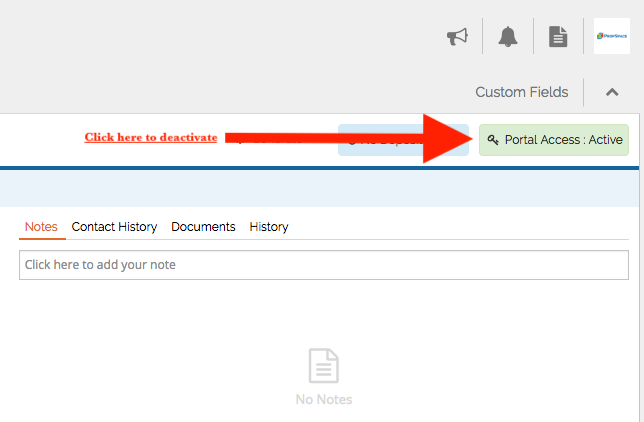
Top right corner you have the button (Portal Access : Active) for the selected landlord, click on it and confirm the action.
Once it’s done your landlord will not longer be able to access the portal.