How do we provide a Landlord access to the portal?

PropSpace Property Management software allows to empower your business by allowing Owners/Landlord’s to access reports on demand. As a Property Management company, we understand the challenges faced when managing the properties of Landlords. To make the process simple – Landlords can easily check the unit status and cash flow statements by viewing a list of all properties managed by the Property Management company.
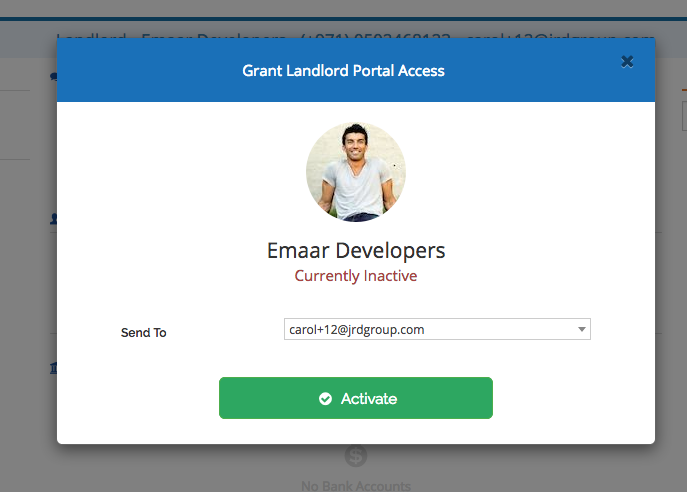
To provide the Landlord access to their portal,
- Go to Stakeholders —> Landlords,
- Select the Landlord, on the right end of the Landlord detail screen, select the option “Portal Access: Inactive” and click on “Activate”

Recently viewed articles
Related articles
No Related Articles Found.