How to add a Landlord to a Project

The landlord can be added to Project directly from the Projects tab.
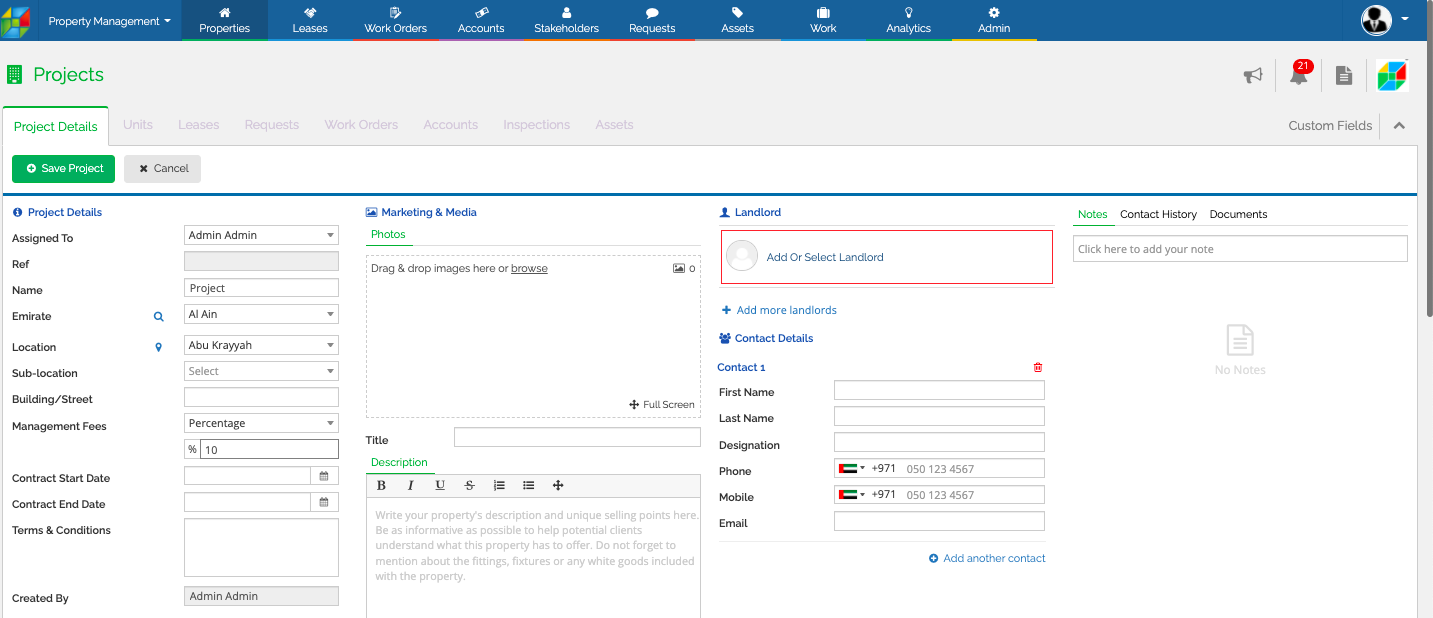
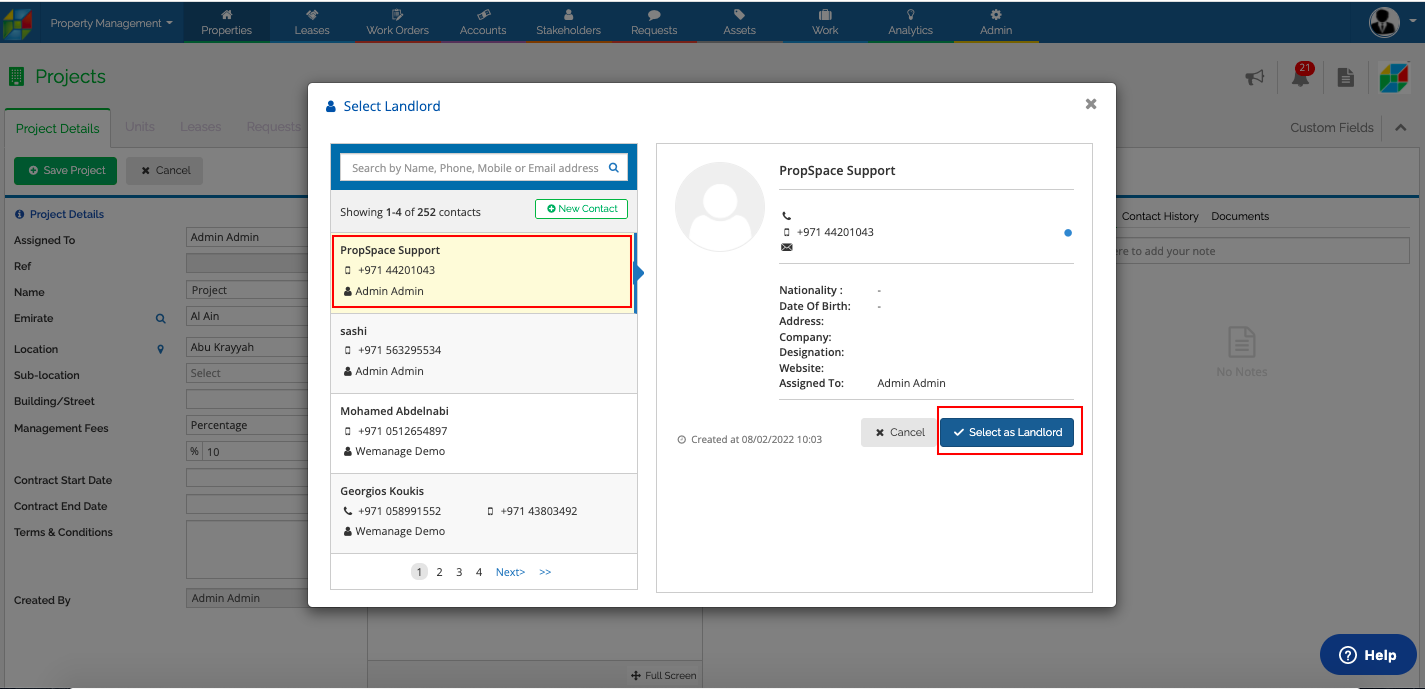
a. Navigate to Projects and click Add or Select Landlord.
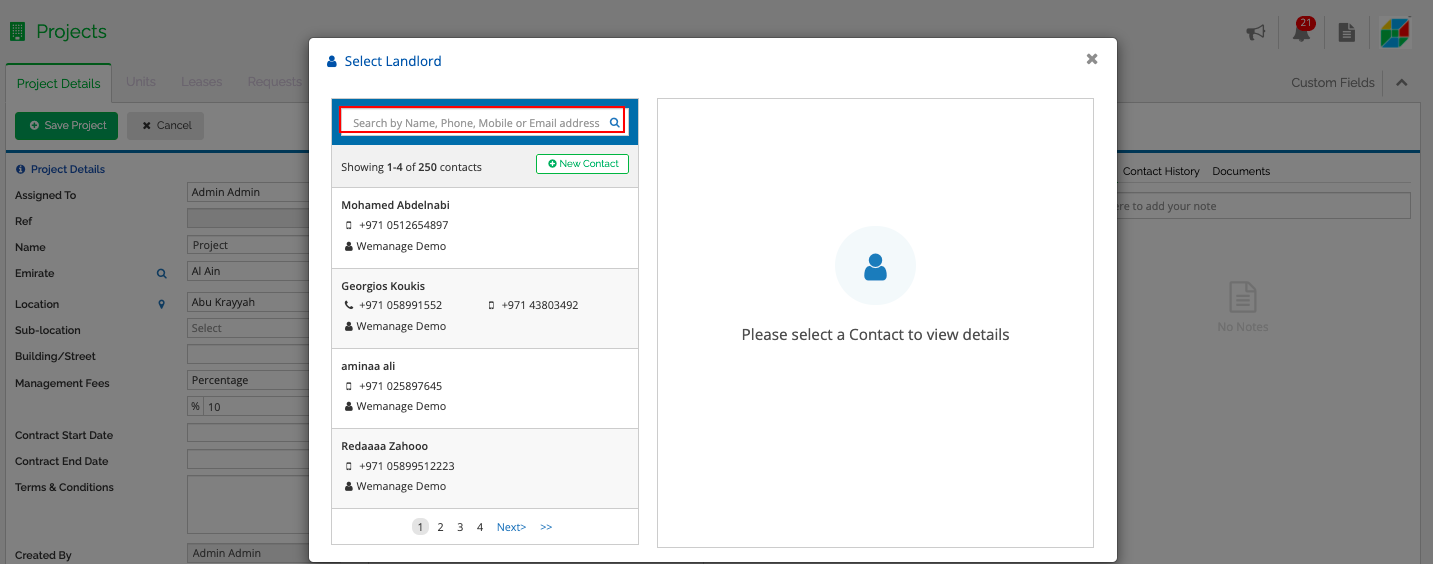
b. You can search by Name, Phone, Mobile or Email address to filter if the landlord is already added in the system.
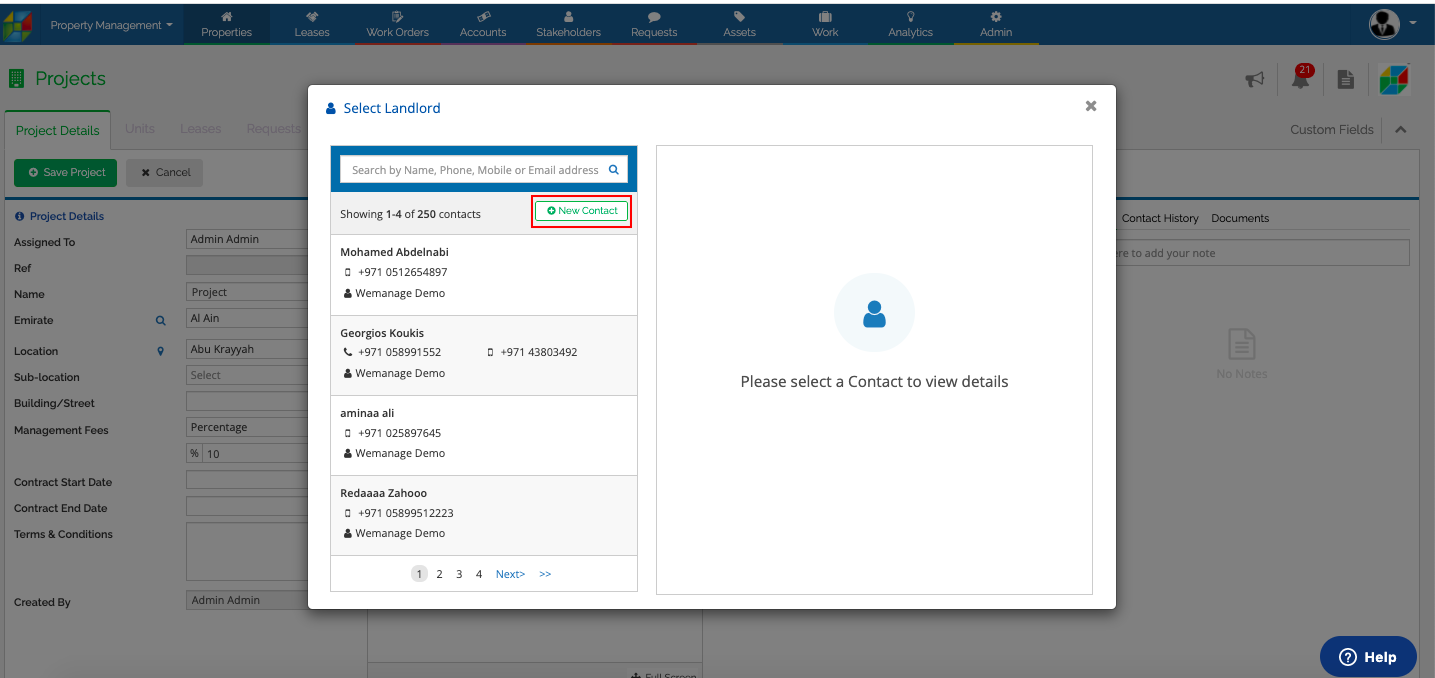
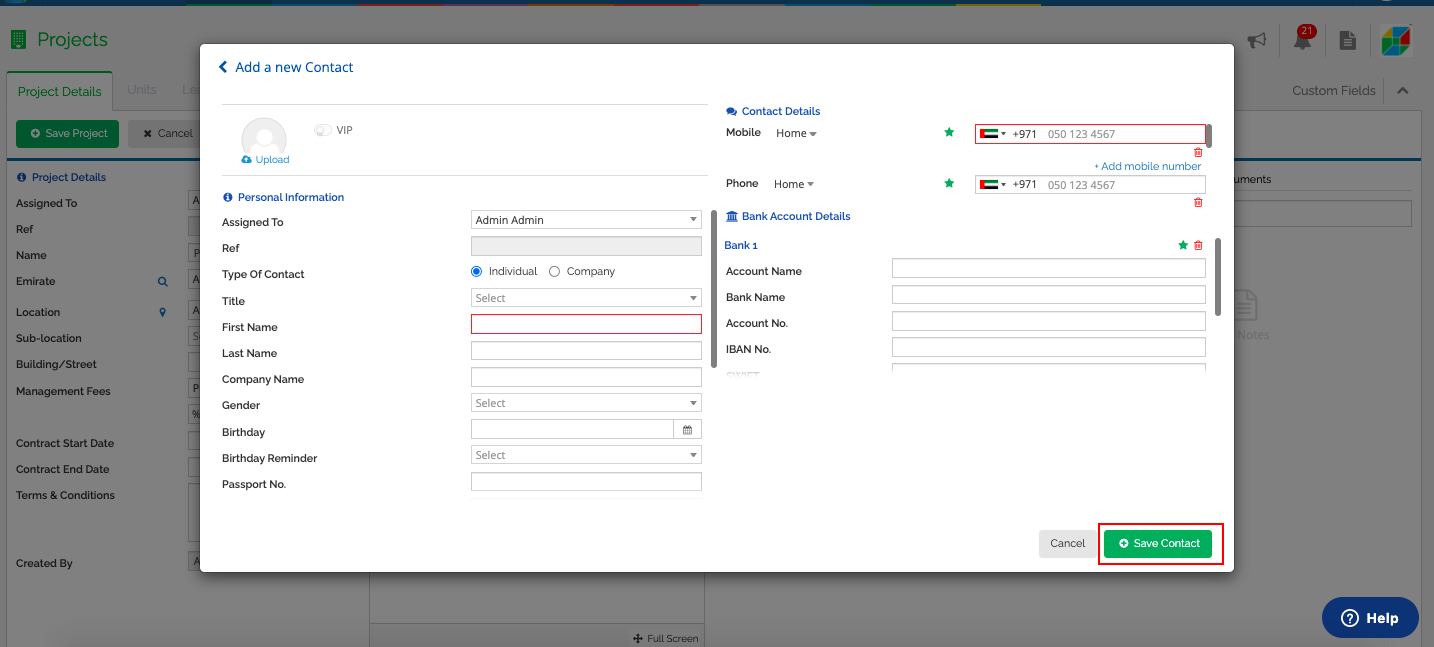
c. You may click on New Contact to add a new contact as Landlord and fill in the mandatory filed such as Name, Email address or Phone number and Save Contact.
d. Once the new contact is added, select the contact as Landlord from the Select Landlord section and Save Project.
Recently viewed articles
Related articles
No Related Articles Found.