How to share a listing on social media?

1. Select the listing record from the data table.
2. Click on ‘Preview Listing’ button to open the listing in new tab with a public URL.

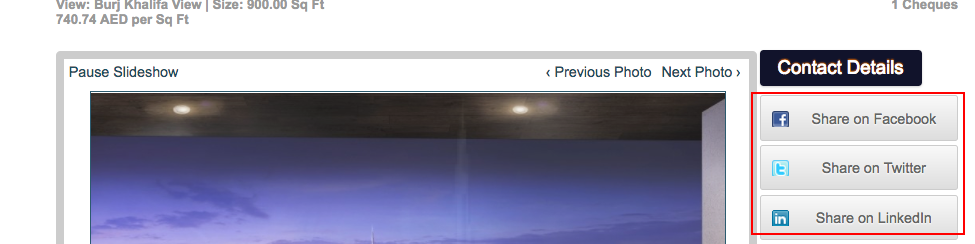
3. In the right-panel of the listing preview page, choose your social media platform to share the property. You can choose between Facebook, Twitter and LinkedIn.
Recently viewed articles
Related articles
No Related Articles Found.