Listing Verification

Who can use this feature?

What is covered?
- Benefits of Verifying Your Listings
- Properties Eligible for Verification
- Property Types Not Eligible for Verification
- Required Documents
- How to submit your listing for Verification
- Frequently Asked Questions
Benefits of Verifying Your Listings
We at Property Finder put emphasis on quality listings and agent profiles and therefore recognize and promote agents who go the extra mile to stand out from the crowd.
 Verified listings get a ranking boost!
- Your listings earn a verified badge!
- Your listing attracts up to 4x more impressions!
- Verified listings help you showcase the quality of your properties!
- Verified listings help you become eligible for the SuperAgent badge!
Properties Eligible for Verification
You can submit any online listing for Sale (or Yearly Rent) that belongs to the below categories for Verification and enjoy the perks of the verification tag.
Dubai
- Completion Status: Ready Secondary & Off-Plan Secondary
- Client type: Broker (Short Term/Holiday Homes, Developers and Property Management/Self Owned are not eligible)
- Location: All Locations
Abu Dhabi
- Completion Status: Ready Secondary & Off-Plan Secondary
- Client type: Broker (Short Term/Holiday Homes, Developers and Property Management/Self Owned are not eligible)
- Ownership Status: Freehold
- Locations:
Al Reem Island
AL Reef
Yas Island
Nurai Island
Saadiyat Island
Hydra Village
AL Ghadeer
Property Types Not Eligible for Verification
The below Property Types are not eligible for Verification and will not show the Verification option in GP Expert:
Land
Labor Camp
Plot
Staff Accommodation
Business Centre
Coworking Space
Compound
Bulk Sale Unit
Bulk Rent Unit
Hotel & Hotel Apartment
Full Floor
Half Floor
Warehouse
Factory
Farm
Required Documents
The documents required for listing verification are mainly 3:
- Authorization Form
- Ownership Document
- Owner’s Identification
Input your listing’s details in this guide to know which documents are required.
Verification documents per property type and category
| Listing | Required Documents |
|---|---|
| Dubai | |
| Sale
Completed Secondary |
|
| Rent
Completed Secondary |
|
| Sale
Off Plan Secondary |
|
| DIFC | |
| Sale
Completed Secondary |
|
| Rent
Completed Secondary |
|
| Sale
Off Plan Secondary |
|
| Abu Dhabi | |
| Sale
Completed Secondary |
|
| Rent
Completed Secondary |
|
| Sale
Off Plan Secondary |
|
How to submit your listing for Verification
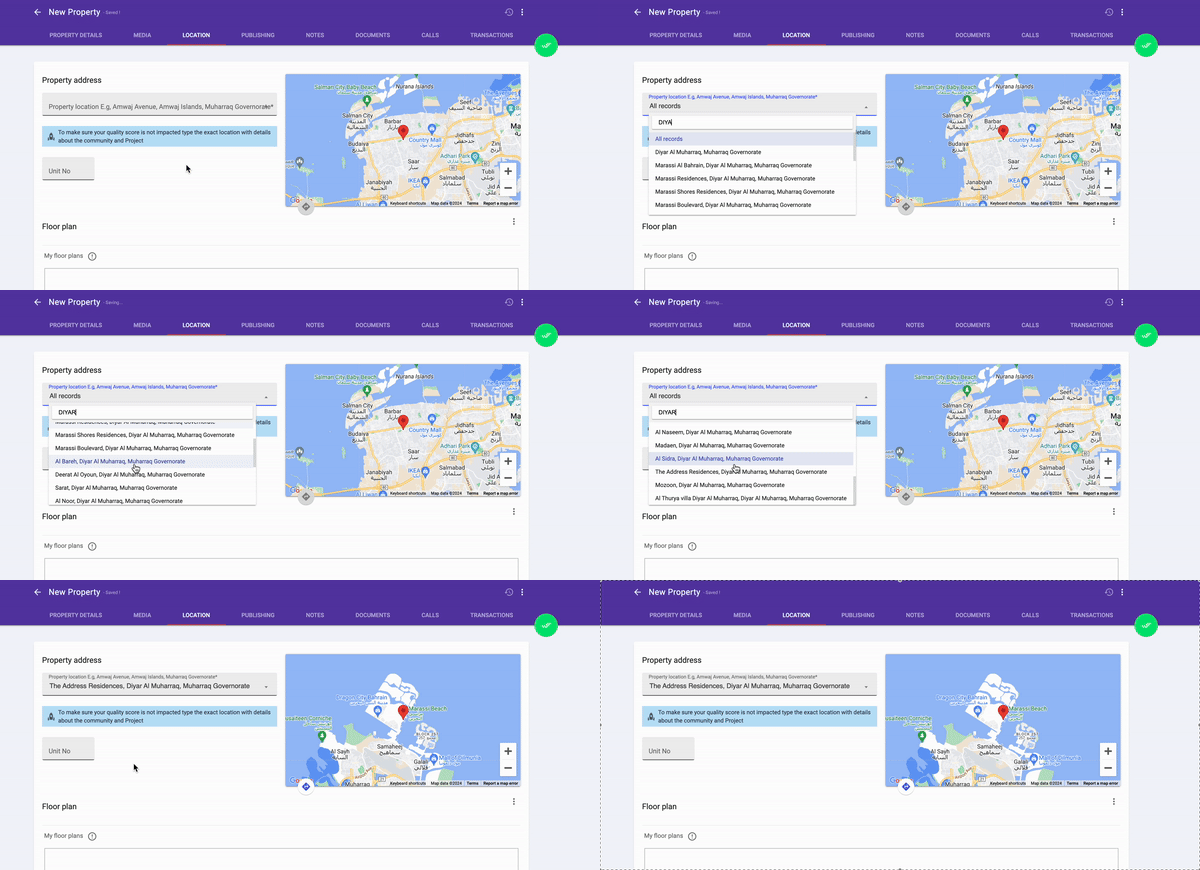
After you publish your listing, edit your listing and navigate to the Verification tab.
Note: If you do not see the “Verification” option, the listing is not eligible to be verified.
Tip: Property Finder automatically identifies, and submits listings that meet our quality guidelines, for verification. Read more about Automatic Verification
Click on the Verification tab and follow the below steps
- Confirm that your listing has the highest Quality Score.
- If you get the message “Listing is not eligible for verification!”, that means your listing does not meet the minimum quality score to be verified. You will need to complete the missing information. (Check photo sizes, add full location, etc..)
- Go through the “Images Checklist”, once all are selected you can proceed by clicking “Next”.
- The “Documents Tab” will appear for you to add your documents.
- Now you can “Submit” your listing for verification.
Frequently Asked Questions
A listing can be rejected for verification for multiple reasons, you will get an email with the exact reason and how to fix it, some of the reasons are:
- The property has already been verified by 3 agents.
- Your images are showing people in them.
- The images, title, description, and price are not matching.
- Incorrect location selected.
- Inaccurate price or size.
To be able to submit a listing for verification, you must first meet all the Quality Score Criteria.
The Message will show the Quality Score Criteria that you need to update or improve before submitting For example:
- Remove duplicate photos
- Check photo sizes
- Add full location
We strive to respond to all requests as soon as possible. The verification process time depends on your segment:
A listing marked as verified will expire and become unverified for one of the following 4 reasons:
- The verification period has expired
- The contract between the broker and owner submitted has expired (Form A, NOC expired).
- The price of the listing has been increased or reduced by 10% or more
- The listing has been unpublished, be it permanently or temporarily
In our continuous efforts to list only available stock on our portal, listings will be marked as verified for the following periods:
- Residential Rentals: 45 days
- Residential Sales: 90 days
- Commercial Rentals: 90 days
- Commercial Sales: 180 days
Listings will remain verified based on the above timeframes, subject to the owner/broker agreement being valid throughout this period
Note: Automatically submitted listings will expire after 45 days for all types
Contracts between broker and owner submitted for the purposes of verification are valid for the periods outlined below:
- Residential Rent – 3 months
- Residential Sale – 6 months
- Commercial Rent – 6 months
- Commercial Sale – 6 months
Please note these are the maximum periods a listing can be verified for using each document, irrespective of the actual expiry date specified on the contract, unless the contract is valid for a shorter period than set out in the article above, at which point the listing would expire as soon as the contract does.
Yes, When the listing expires as a result of contract expiry, we would require a newly signed contract to be submitted, along with all other associated documents, to place this request in our verification queue pending review by our team.
Dubai Sales: As all Dubai sales listings must be submitted using a Digital Form A, the price of the listing must always match the price on the form. Should you alter the price of the listing, this must also be reflected on the Digital Form A
Dubai Rent: New submissions must have a listed price that matches the price on the form. Once the listing has been verified, the price can be changed up or down by less than 10% and the verification status will remain. Please note that all price changes must be authorised by the property owner, and proof of the price change must be able to be provided upon request
Abu Dhabi Sales: New submissions must have a listed price that matches the price on the form. Once the listing has been verified, the price can be changed up or down by less than 10% and the verification status will remain. Please note that all price changes must be authorised by the property owner, and proof of the price change must be able to be provided upon request
Abu Dhabi Rent: New submissions must have a listed price that matches the price on the form. Once the listing has been verified, the price can be changed up or down by less than 10% and the verification status will remain. Please note that all price changes must be authorised by the property owner, and proof of the price change must be able to be provided upon request
Yes. If your listing is authorized by someone on behalf of the owner, set Power of Attorney to “Yes”, and upload the POA document along with the authorized person’s Emirates ID or Passport.
If you have any other documents you would like to share with our Verification Team, set “Supporting documents” to Yes and upload your document(s).
Auto Verification aims to streamline the day-to-day operations of an admin by automatically identifying, and submitting listings that meet our quality guidelines, for verification.
The automatically submitted listings are then evaluated by the Customer Experience team and are granted a ‘Verified’ status or badge on successful evaluation.
Yes, if for any reason, your listing is denied the verification status via the auto-verification feature – you may reach out to Support team at verified@propertyfinder.ae to request re-evaluation with the right documents.
No, the auto-verification feature is a free service offered by Property Finder to simplify and expedite the process of verifying listings, and streamline the day-to-day operations of our partner admins.
Recently viewed articles
No Recently viewed Articles Found.
Related articles
No Related Articles Found.